Icons legend/System map menus
Icons found in System Map menus.
| Icon | Description | Context | Notes |
|---|---|---|---|
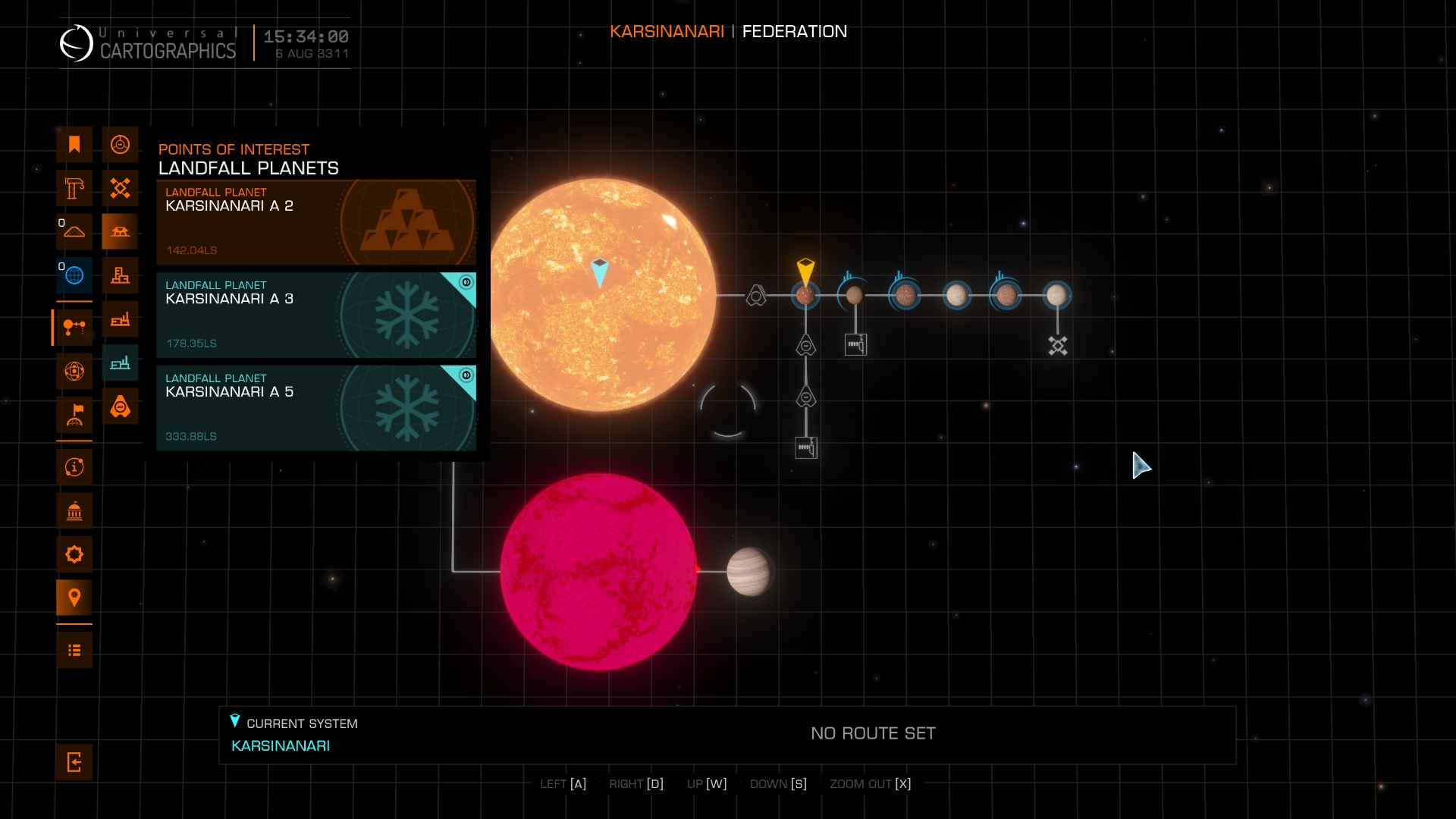
| File:Tenuous atmosphere--System map-POIs menu.webp | Planet has (thin) atmosphere / Base is on that kind of planet | File:SystemMap Menu POIs TenuousAtmosphere.jpg | This icon in the corner of menu card means the planet is only landable / installation is only reachable in a game with Odyssey expansion. Because landing on atmospheric planets is only possible in this game version. Officially 'planet with tenuous atmosphere'. |
| File:Planet-Landfall--System map-POIs menu.webp | landable planets | File:SystemMap Menu POIs TenuousAtmosphere.jpg | Player can land their ship on these planets. Officially 'Landfall planet'. |
| File:Horizons Planetary Port--System map-POIs menu.webp | Horizons 'Planetary ports' - large bases on planet surface | File:SystemMap Menu POIs TenuousAtmosphere.jpg | Player docking permitted. Offers services. |
| File:Horizons Settlement--System map-POIs menu.webp | Horizons 'Planetary settlements' - small bases on planet surface | File:SystemMap Menu POIs TenuousAtmosphere.jpg | Player docking NOT permitted. Usually designated as trespass zone. They exist as mission targets for Horizons expansion planet surface missions. Made to be accessed in SRV. |
| File:Odyssey Settlement--System map-POIs menu.webp | Odyssey 'Planetary settlements' - small bases on planet surface | File:SystemMap Menu POIs TenuousAtmosphere.jpg | Player docking permitted. Offers services. Part of Odyssey expansion. But accessible in base game (resp. Horizons expansion). Made for walking around and 'On foot' missions and activities. Commonly has only one landing pad. |